 Scalate: Scala Template Engine: like JSP without the crap but with added Scala coolness
Here is a one minute way to start playing with Scalate: 30 seconds to finish reading this + 15 seconds to calm inner excitement + 15 seconds to actually do it. Get ready.. it is that simple.
( Step 1 is OS X based, check these install instructions in case your OS is different ):
Step 1. Install Scalate ( makes sense to install Scala as well, if you don’t have it )
sudo brew install scala sudo brew install scalate |
Step 2. Create a Scalate project
scalate create guice org.dotkam scalatez |
where “org.dotkam” is a user defined groupId and “scalatez” is a user defined artifactId [ hellllo maven ]
NOTE: "scalate create jersey org.dotkam scalatez" may give you "Invalid syntax: No such archetype 'jersey' possible values are (empty, guice)" depending on the current Scalate version. Don't be distressed: use 'guice' as shown above |
Step 3. Run it
cd scalatez/ mvn jetty:run |
Once you see
2011-01-07 14:28:42.597:INFO::Started SelectChannelConnector@0.0.0.0:8080 [INFO] Started Jetty Server |
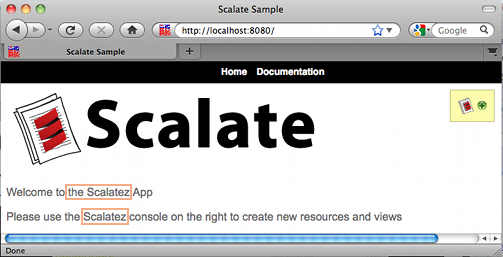
Fire up the browser and go to “http://localhost:8080”
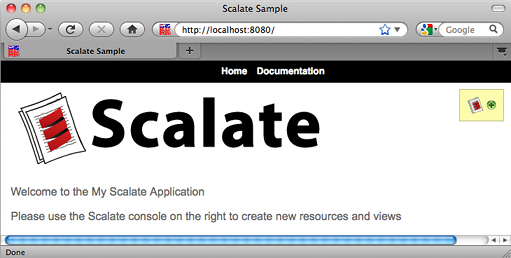
DONE.
At this point you are good to start working with the Scalate project.
Let’s modify the current home page that you see in your browser:
vi src/main/webapp/WEB-INF/org/dotkam/scalatez/resources/HomeResource.index.scaml |
once you save it, no need to restart: Jetty would pick you changes immediately ( e.g. “scanIntervalSeconds” parameter ), so just refresh that browser: